Productive Work from Home Tips: Office Space Layout and WFH Organization
The most fundamental tip for productive work from home is creating a workspace that is visually and functionally separated from your rest areas. When the boundaries between "office" and "home" blur, focus is easily disrupted and productivity drops dramatically. With proper space arrangement and organized desk setup, you can work from home with results that match - or even exceed - your office performance.
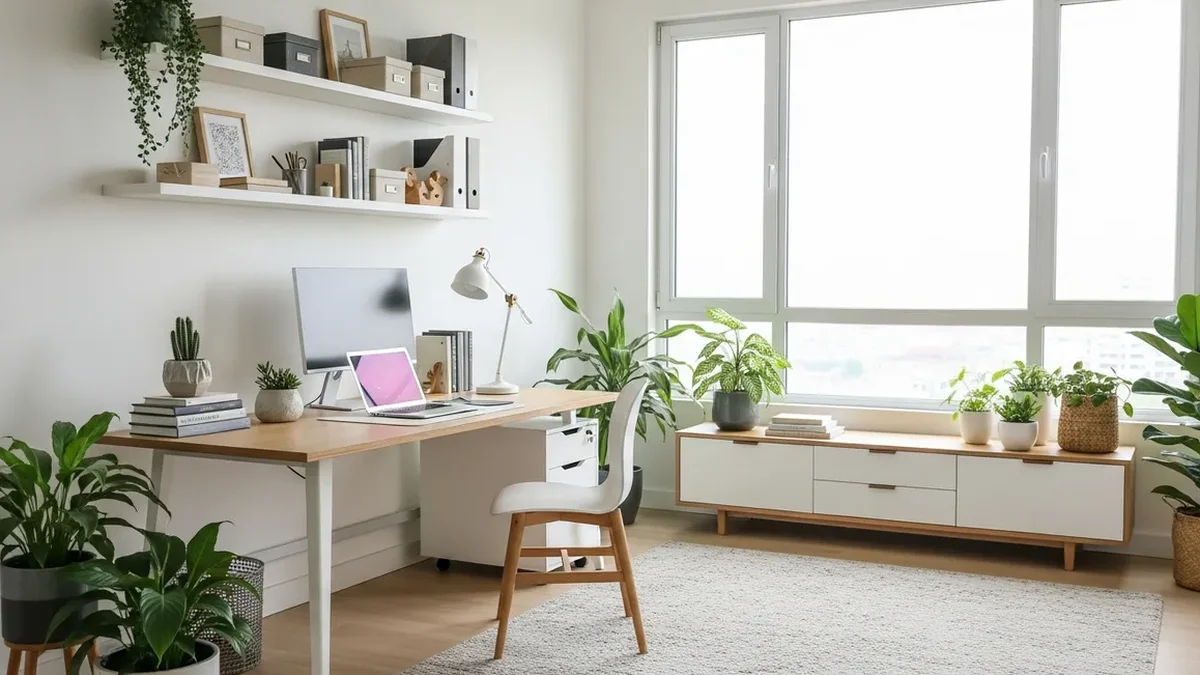
Data from Indonesia's Central Bureau of Statistics (BPS) in 2025 shows that more than 14 million Indonesian workers operate under hybrid or fully remote work systems. This trend continues to grow alongside digital economy development. However, the same survey revealed that 63% of WFH workers struggle to maintain productivity at home - and the primary factor isn't motivation, but rather a work environment that doesn't support it.
This article will comprehensively discuss how to arrange your home workspace, organize your desk and equipment, and build habits that support long-term productivity.
1. Choose the Right Work Location
The first step to productive work from home is determining where you'll work. Ideally, choose a room with a closable door to minimize interruptions from other family members. However, if you don't have a dedicated room, you can still create an effective work zone.
Criteria for an Ideal Home Office Location
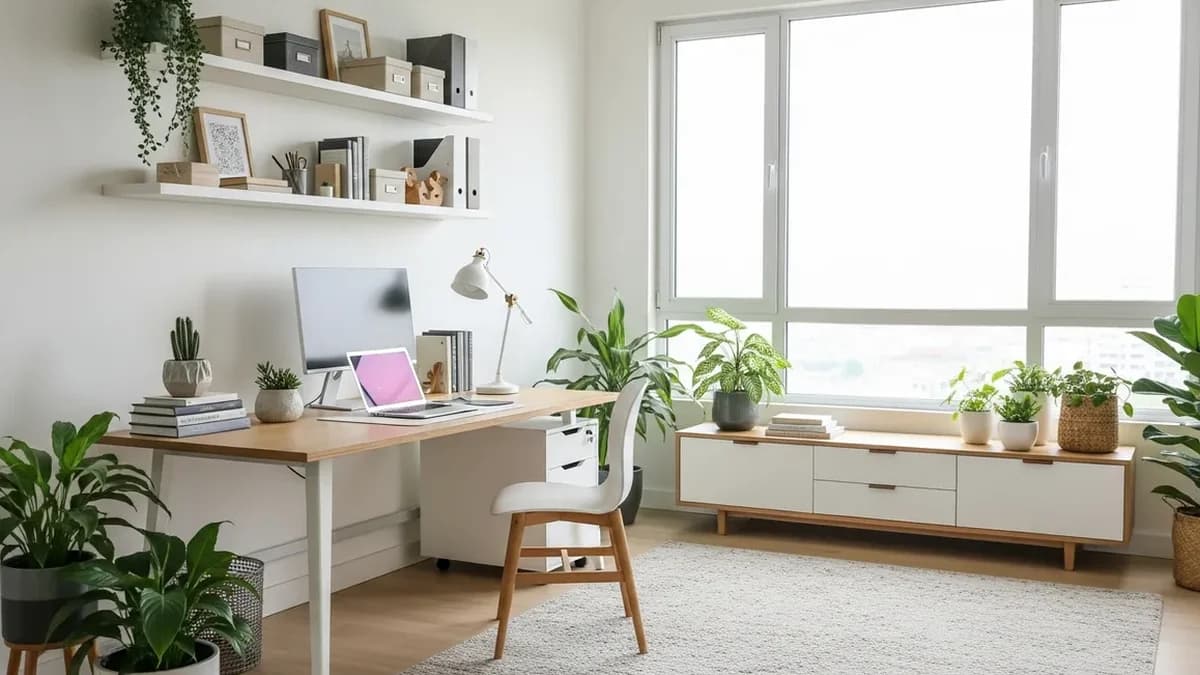
- Natural lighting - choose an area near a window to reduce eye strain and boost mood
- Away from high-traffic areas - avoid placing your desk near the kitchen or busy living room
- Good ventilation - proper air circulation helps maintain concentration
- Adequate power outlets - ensure enough outlets for laptop, monitor, and chargers without scattered cables
- Stable internet signal - if WiFi is weak in one area, consider using a WiFi extender
If you live in a small house or apartment, a bedroom corner or space under the stairs can be utilized. What matters is that this zone is consistently used only for work - not for eating or watching TV.
2. Ergonomic Desk Layout
An ergonomic desk isn't about buying expensive equipment, but about proper arrangement. The correct position of monitor, keyboard, and chair will prevent back and neck pain - common issues for WFH workers.
| Element | Ideal Position | Practical Tips |
|---|---|---|
| Monitor/Laptop | Eye level, 50-70 cm distance | Use a laptop stand or stack of books |
| Keyboard | Elbows at 90-degree angle | Place on a surface lower than the monitor |
| Chair | Feet flat on floor | Add lumbar support pillow if chair isn't ergonomic |
| Mouse | Aligned with keyboard | Use a mouse pad with wrist rest |
| Desk lamp | On non-dominant side | Avoid lamps causing screen glare |
Investing in a desk with proper height is far more important than buying an expensive desk that doesn't suit your posture.
3. Desk Organization - Cleanliness Means Productivity
Research from Princeton Neuroscience Institute shows that visual clutter around you directly reduces your brain's ability to focus. This means a messy desk truly makes you less productive - it's not just an aesthetic issue.
Minimalist Desk Principles
- Only keep what's actively used - laptop, one notebook, and writing tools you're currently using
- Use a [desk organizer](/blog/desk-organizer) - dedicated space for pens, sticky notes, and small items
- Apply a clean desk policy - end your workday by tidying your desk to its initial state
- Manage cables neatly - use cable clips or cable trays so cables don't scatter across your desk
- Digitalize documents - scan physical documents and store them digitally to reduce paper piles
One small change with big impact: set aside one drawer or desk shelf specifically for items you frequently need but don't need on the surface. This includes spare chargers, headphones, extra sticky notes, and additional writing supplies.
4. Storage System for Home Office
A productive home office requires a planned storage system. Without designated spaces for each item, your desk will become cluttered again within days.
Storage Solutions by Category
- Important documents - use labeled file organizers or expanding folders in desk drawers
- Writing supplies - collect in one easily accessible desk supply holder
- Gadgets and cables - store in a pouch or dedicated electronics box to prevent tangling
- Reference books - arrange on a minimalist shelf beside or above your desk
- Rarely used items - put in labeled storage boxes and store in cabinets or storage areas
The main principle: the more frequently an item is used, the closer it should be to arm's reach. Daily items on your desk, weekly items in drawers, and monthly items in cabinets.
5. Time Management and Daily Routine
WFH productivity isn't just about physical space, but also about time structure. Without a clear routine, your workday can feel blurry - unclear when to start and when to finish.
Example of an Effective Daily WFH Routine
- 7:00 AM - 7:30 AM - Wake up, shower, breakfast (avoid opening laptop in bed)
- 7:30 AM - 8:00 AM - Tidy desk, create today's task list
- 8:00 AM - 10:00 AM - Deep work - tackle the hardest task while energy is high
- 10:00 AM - 10:15 AM - Short break, brief walk, drink water
- 10:15 AM - 12:00 PM - Meetings or collaborative work
- 12:00 PM - 1:00 PM - Lunch away from desk
- 1:00 PM - 3:00 PM - Administrative tasks and follow-ups
- 3:00 PM - 3:15 PM - Break, stretching
- 3:15 PM - 5:00 PM - Complete remaining tasks, review today's work
- 5:00 PM - Close laptop, tidy desk, and end your workday
The key to success is consistency. Your brain will be trained to enter "work mode" when you sit at your desk at the same time each day, and exit that mode when you leave the desk.
6. Limit Distractions and Set Boundaries
The biggest distractions while WFH usually come from two sources: family members and personal devices. Managing both requires communication and discipline.
Tips to Reduce Distractions
- Communicate your work schedule - let family know when you shouldn't be disturbed
- Use visual signals - headphones on or closed door means you're focused
- Turn off non-work notifications - silence family WhatsApp groups and social media during work hours
- Use the Pomodoro technique - focused work for 25 minutes, 5-minute break, repeat
- Keep healthy snacks at your desk - so you don't go back and forth to the kitchen and get tempted to chat
If you're working while caring for children, consider adjusting your hours to match the child's nap time or ask other family members for help during critical hours.
7. Lighting and Work Room Atmosphere
Proper lighting isn't just about aesthetics - it directly affects your energy, mood, and ability to focus. A room that's too dim makes you drowsy, while one that's too bright causes headaches.
Home Office Lighting Guide
- Prioritize natural light - position your desk facing or perpendicular to a window, not with your back to it
- Add desk lamp - choose lamps with 4000-5000K color temperature (daylight) for working
- Avoid backlighting - don't place your monitor directly in front of a window as it causes glare
- Add green plants - besides beautifying, plants are proven to reduce stress and boost productivity up to 15%
Personal touches like family photos or motivational quotes are fine, but don't overdo it. Remember the principle: minimalist and functional. If you want to add plants, check out our guide on creating an indoor mini garden for inspiration.
8. Equipment to Support WFH Productivity
Beyond space arrangement and organization, the following equipment can significantly improve your work-from-home quality:
| Equipment | Benefits | Price Range |
|---|---|---|
| Laptop stand | Elevates screen to ergonomic height | $6 - $18 |
| External keyboard | Allows comfortable hand positioning | $9 - $30 |
| Noise-cancelling headphones | Blocks distracting sounds | $18 - $120 |
| Desk organizer | Keeps desk neat and organized | $3 - $12 |
| Timer/Pomodoro clock | Helps with time management | $2 - $6 |
| Cable management | Eliminates cable clutter | $1.20 - $5 |
You don't need to buy everything at once. Start with what has the most impact on your specific issues. If your back often hurts, prioritize a laptop stand. If your desk is always messy, start with a quality desk organizer.
9. Maintaining Work-Life Balance While WFH
One of the biggest WFH traps is working without clear time boundaries. When "office" is at home, the temptation to open your laptop outside work hours is enormous. This actually reduces long-term productivity because it causes burnout.
Strategies for Maintaining Work and Rest Boundaries
- Set consistent start and end times - and follow them with discipline
- Create an end-of-day ritual - tidy desk, close all browser tabs, and turn off work notifications
- Separate work and personal devices - if possible, don't use your work laptop for entertainment
- Use other spaces for breaks - don't eat lunch or watch TV at your work desk
- Exercise regularly - at least 30 minutes of physical activity daily to maintain energy and reduce stress
For more comprehensive guidance on maintaining balance while WFH, read our article on work-life balance at home which discusses balanced lifestyle strategies.
10. Evaluate and Improve Your System
The ideal work-from-home system doesn't form in a day. Spend time each month evaluating what's working and what needs improvement.
Monthly Home Office Evaluation Checklist
- Is my desk staying tidy at week's end?
- Are there items I frequently search for but find hard to locate?
- Do I often feel tired or sore after working? (may need ergonomic improvements)
- Are there recurring distractions I can anticipate?
- Am I consistently completing my daily tasks?
Don't hesitate to change the layout, add storage solutions, or shift your schedule if needed. Flexibility is one of WFH's greatest advantages - use it to find the system that works best for you.
FAQ - Frequently Asked Questions
1. What if I don't have a dedicated room for home office?
You don't need a separate room. A bedroom corner, space under the stairs, or even a folding desk that can be stored after work hours is sufficient. What matters is consistency - use the same spot every day and complement it with neat storage.
2. What's the minimum budget for a productive home office setup?
With $30-$60 you can already buy a laptop stand, desk organizer, and adequate desk lamp. Prioritize ergonomics and desk cleanliness first, then add other equipment as needed.
3. How do I stay focused if working in the same room as my partner?
Create clear zone divisions even in the same room. Use headphones as a "focused" signal. Coordinate meeting schedules so they don't overlap. Most importantly, respect each other's work time.
4. Does a standing desk really boost productivity?
Standing desks help reduce health risks from prolonged sitting, but research shows alternating between sitting and standing (every 30-60 minutes) is more beneficial than standing continuously. If you're not ready to invest in a standing desk, simply stand and walk around every hour.
5. What storage products are most important for home office?
Three most impactful products: desk organizer for your desk, file organizer for documents, and cable management for cables. All three directly reduce visual clutter that disrupts focus. Visit Sesoris to find quality organizer products suited to your home office needs.
Weekly Home Tips
Get home organization ideas, product picks, and exclusive deals delivered weekly.
No spam. Unsubscribe anytime.