
25+ Best Work From Home Desk Setup Ideas to Build a Productive Workspace in 2026
Discover the best work from home desk setup ideas for 2026. Build a productive, organized home office with these practical tips and product ideas.
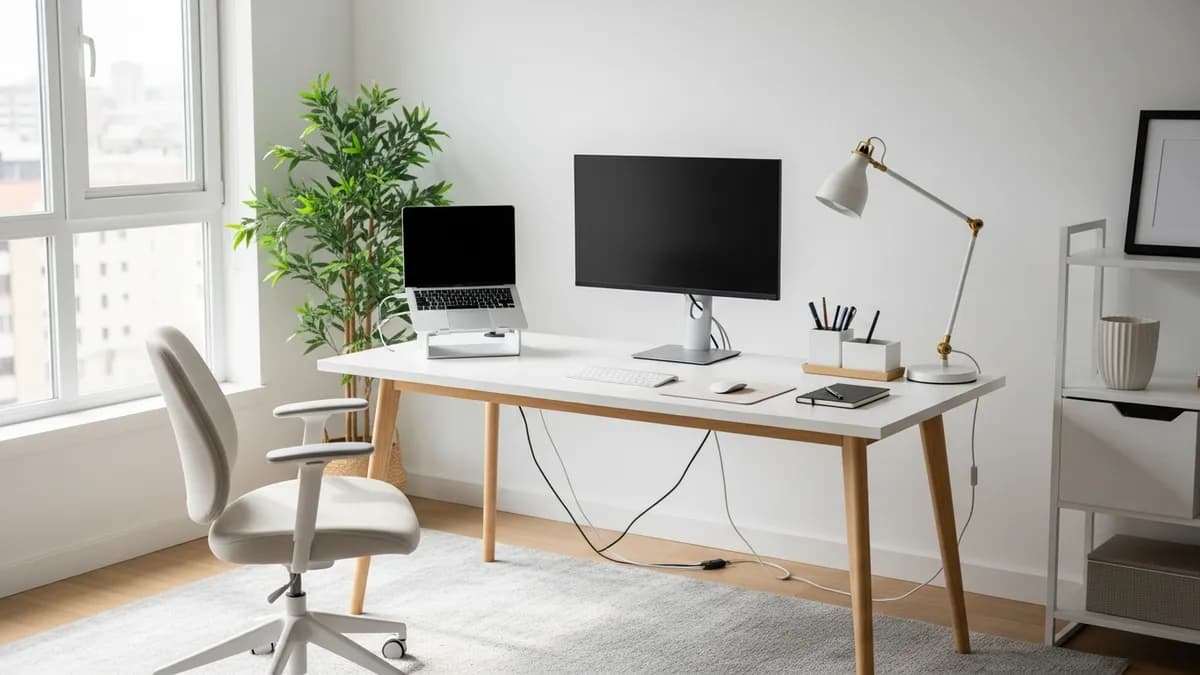
If you've been working remotely for a while, you already know how much your environment affects your output. The right work from home desk setup ideas can be the difference between a distracted, frustrating day and one where you fly through your to-do list feeling sharp and focused. Whether you're working in a dedicated home office, a bedroom corner, or a tiny apartment nook, there are smart, budget-friendly ways to build a workspace that actually works for you in 2026. I've pulled together 25+ of the best ideas covering everything from ergonomics and lighting to cable management and storage, so you can pick what fits your space and style.
Why Your Work From Home Desk Setup Ideas Matter More Than Ever in 2026
Remote work rewards a workspace with a clear visual and practical boundary. Give the desk a consistent location, keep work tools together, and use a short end-of-day reset so the room can return to its normal purpose when work is over.
A poor setup, on the other hand, can lead to back pain, eye strain, constant distractions, and a sense of chaos that bleeds into your personal time. The good news is you don't need a huge budget or a dedicated room to get it right. A few intentional choices about furniture, organization, and lighting can completely transform your day.
Here's what a great work from home desk setup should accomplish:
- Reduce physical discomfort by supporting good posture and ergonomics
- Minimize distractions through smart organization and clear surfaces
- Boost productivity with everything you need within arm's reach
- Create a clear boundary between your work life and home life
- Reflect your personal style so you actually enjoy sitting down at it
Work From Home Desk Setup Ideas: Choosing the Right Desk for Your Space
Before you buy a single accessory, you need the right foundation. Your desk is the most important piece in your home office setup, and picking the wrong one can limit everything else you try to do.
Standard Rectangular Desks
The classic choice. A rectangular desk in the 48-inch to 60-inch width range works well for most people who use a single monitor and a laptop. It gives you enough surface area for a monitor, keyboard, a notebook, and a few accessories without taking over the room. Look for desks with a built-in drawer or a cable management grommet to keep things tidy from day one.
L-Shaped Desks for Corner Spaces
If you have a corner to work with, an L-shaped desk is one of the smartest work from home desk setup investments you can make. You get dramatically more surface area, the ability to separate your computer zone from your writing or reading zone, and the psychological benefit of feeling "wrapped in" your workspace. This setup works beautifully in spare bedrooms, living room corners, or even larger master bedrooms.
Standing Desks and Sit-Stand Converters
Standing desks have gone mainstream for a reason. Alternating between sitting and standing throughout your workday reduces fatigue and can ease lower back tension. If a full motorized standing desk isn't in the budget, a sit-stand converter that sits on top of your existing desk is a practical middle ground. Pair it with an anti-fatigue mat if you plan to stand for extended stretches.
Small-Space and Wall-Mounted Options
Living in an apartment or studio doesn't mean you can't have a great setup. Wall-mounted fold-down desks are a brilliant solution. They take up zero floor space when folded away and give you a clean work surface when you need it. Pair one with a floating shelf above it for storage and you've got a full workspace footprint under 4 feet wide.
Ergonomics: The Foundation of Every Smart WFH Desk Setup
You can have the most beautiful desk in the world, but if it's not set up ergonomically, you'll be paying for it with neck pain and headaches before the week is out. Ergonomics isn't just a corporate buzzword. It's the practical science of fitting your workspace to your body.
Here are the key ergonomic checkpoints for your work from home desk setup:
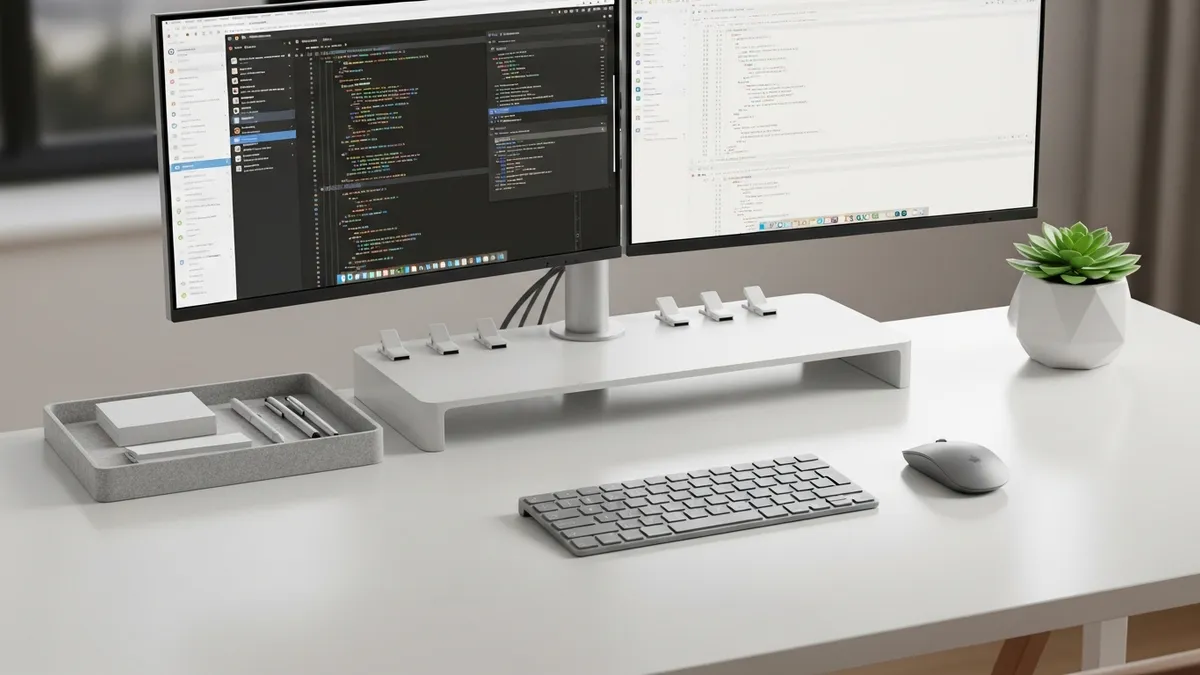
- Monitor height: The top of your screen should be at or just below eye level. If your monitor is too low, prop it up with a monitor riser or a sturdy stand. This alone can eliminate a huge amount of neck strain.
- Chair height: Your feet should be flat on the floor and your knees at roughly a 90-degree angle. If your chair doesn't adjust well, a footrest can bridge the gap.
- Keyboard and mouse position: Your elbows should be at about a 90-degree angle with your forearms parallel to the floor. A keyboard tray under the desk can help if your desk height is fixed.
- Monitor distance: Sit about an arm's length away from your screen. For most people that's roughly 20 to 28 inches.
- Lighting angle: Position your monitor perpendicular to any windows to avoid glare on the screen and prevent squinting.
Pro tip: Take a short break every 45 to 60 minutes to stand, stretch, and give your eyes a rest by looking at something at least 20 feet away for 20 seconds. Your body will thank you by the end of the workday.
For a deeper dive into workspace ergonomics, review OSHA's computer workstation guidance, especially the sections on monitor placement, chair adjustment, and neutral wrist position.
Desk Organization Ideas That Keep Your Surface Clutter-Free
A cluttered desk is a cluttered mind. I truly believe that. When your surface is covered in papers, tangled cables, and random stuff that has no business being there, it's almost impossible to focus. Here are the best desk organization ideas to build into your work from home setup.
Desk Organizer Trays and Pen Holders
A good desk organizer tray gives every item on your desk a dedicated home. Pens, highlighters, sticky notes, scissors, and USB drives all go in one spot and stay there. Look for a modular organizer system so you can rearrange compartments as your needs change. Check out the desk organizer options at Sesoris for stylish, practical picks that fit any desk size.
Vertical Storage to Free Up Surface Space
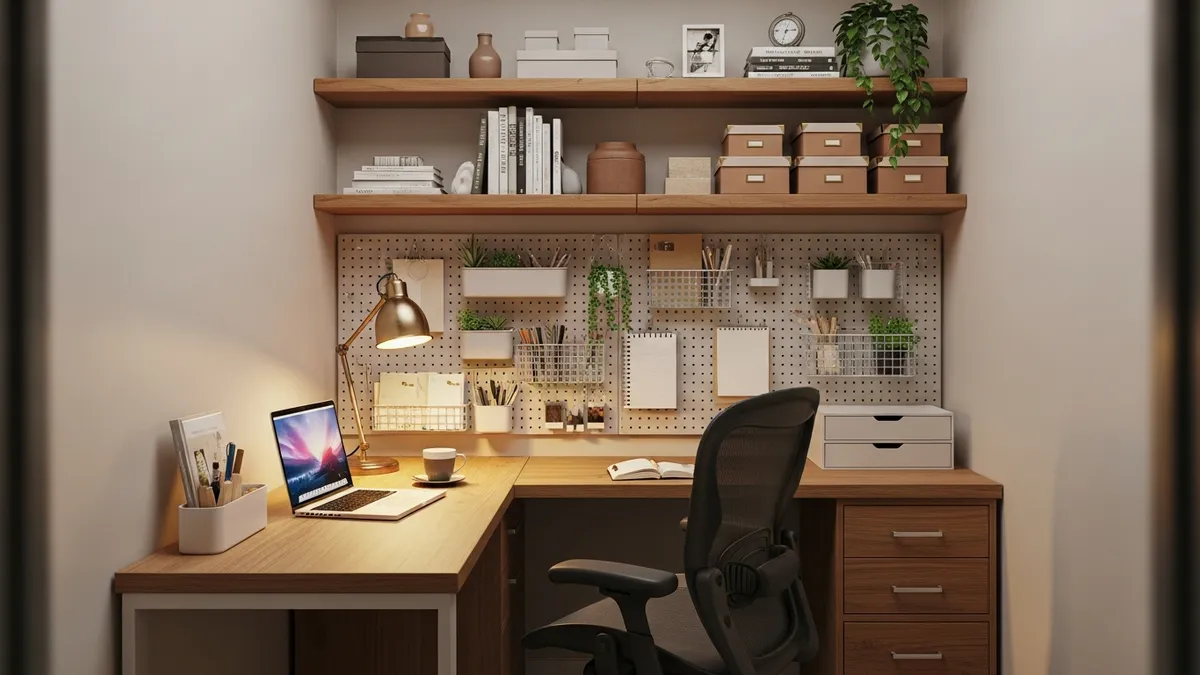
When you're working with a small desk, think vertical. A monitor riser with a built-in drawer underneath doubles your usable space instantly. Stackable letter trays for paper documents, wall-mounted pegboards for tools and accessories, and floating shelves directly above your desk all pull storage up and off your work surface. Our best sellers include several vertical desk organizers that are perfect for this.
Drawer Organization
If your desk has a drawer, treat it as prime real estate. Use small dividers or trays to separate your supplies into categories. Chargers and cables in one section, writing tools in another, and personal items in a third. A jumbled junk drawer right next to your workspace is just as distracting as clutter on top.
Label Everything
Labels are the secret weapon of organized people. A simple label maker or even hand-written sticky labels on drawer sections, bins, and shelves means you always know where things go and, more importantly, where to find them when you're in a hurry.
For even more inspiration, check out our stationery organizer ideas article for creative ways to keep your desk supplies in order.
Lighting Ideas for a Better Work From Home Desk Setup
Lighting is one of the most underrated elements of a home office setup, yet it has an enormous impact on eye comfort, energy levels, and even the quality of your video calls. Here's how to get it right.
Natural Light: Make the Most of What You Have
Position your desk so that natural light comes from the side, not directly behind or in front of your monitor. Light from behind you creates glare on the screen, and light directly in your face causes squinting. If you have a window to work with, place your desk perpendicular to it. Natural light keeps you more alert and supports a healthy circadian rhythm throughout the day.
Task Lighting
Even if you have good natural light, a dedicated task lamp is essential for cloudy days, early mornings, and late-night work sessions. Look for a lamp with adjustable brightness levels and a color temperature setting. Warmer light (around 2700K) is easier on the eyes for reading, while cooler, brighter light (around 5000K to 6500K) promotes alertness for screen work. An LED desk lamp with a built-in USB charging port is a practical two-in-one upgrade.
Bias Lighting Behind Your Monitor
This is a favorite trick among remote workers who spend long hours on screen. Placing an LED light strip behind your monitor reduces the contrast between the bright screen and the dark wall behind it, which significantly reduces eye fatigue. It also adds a clean, modern look to your setup. These strips are inexpensive and easy to install.
Cable Management: The Detail That Makes or Breaks Your WFH Setup
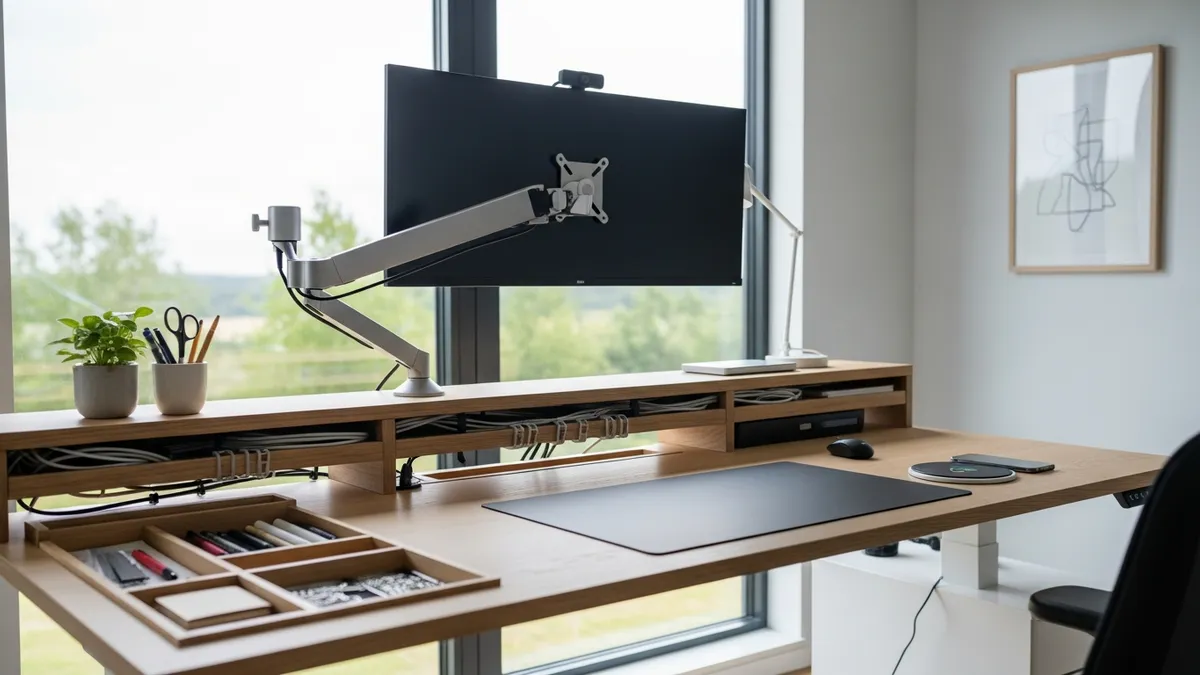
Nothing undermines a beautifully organized desk faster than a rat's nest of cables. Cable management is one of those things that takes maybe 30 minutes to address properly but pays dividends every single day you sit down to work.
Here are the most effective cable management strategies for your work from home desk setup:
- Cable clips and adhesive hooks: Stick these along the back edge or underside of your desk to route cables neatly in one direction
- Cable sleeves: Bundle multiple cables together in a fabric or plastic sleeve so they look like one clean line instead of a tangle
- Cable management trays: Mount these under your desk to hold a power strip and cable bundle completely out of sight
- Velcro cable ties: Use these instead of zip ties so you can adjust the arrangement whenever you add or remove a device
- Wireless peripherals: Switching to a wireless keyboard, mouse, and charging pad eliminates a significant portion of desk cables entirely
Our cable management guide goes into even more detail on how to organize cables at your desk and throughout your home office.
Personal Touches and Decor That Make Your WFH Desk Feel Like Yours
A productive workspace doesn't have to be cold and sterile. The best work from home desk setups balance function with personality, because you're spending a lot of time there and it should feel good to be in that space.
Plants
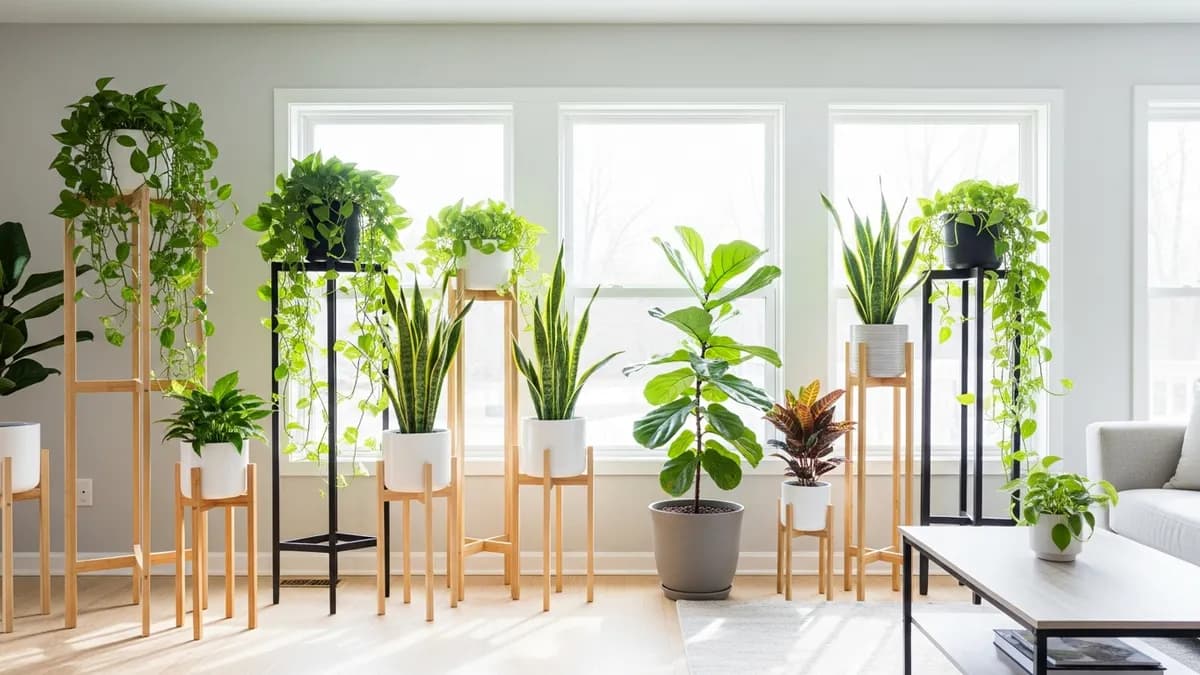
A small potted plant on or near your desk does more than just look nice. Research consistently shows that having plants in a workspace can improve mood and reduce stress. A small succulent, a snake plant, or a trailing pothos requires minimal care and adds life and color to an otherwise utilitarian space.
Art and Inspiration
A framed print, a motivational quote, or a small piece of art on the wall above your desk gives you something pleasant to look at during those moments when you're thinking through a problem. Keep it simple. One or two pieces work better than covering every inch of wall space.
Color Palette
Color psychology is real. Blues and greens tend to promote calm and focus, while warm neutrals like off-white, cream, and warm gray create a cozy but professional feel. If you're redesigning your workspace in 2026, consider how the wall color and desk accessories coordinate to create an environment that puts you in the right headspace.
A Good Chair (Seriously)
I know this isn't decor, but I'd be doing you a disservice if I didn't mention it here. A quality ergonomic chair is probably the single best investment you can make in your work from home setup. You'll spend more hours in that chair than anywhere else in your house. Prioritize lumbar support, adjustable height, and armrests.
Work From Home Desk Setup Ideas for Small Spaces
Not everyone has a spare bedroom to convert into a home office. If you're working with limited square footage, these targeted work from home desk setup ideas will help you carve out a productive zone without sacrificing your living space.
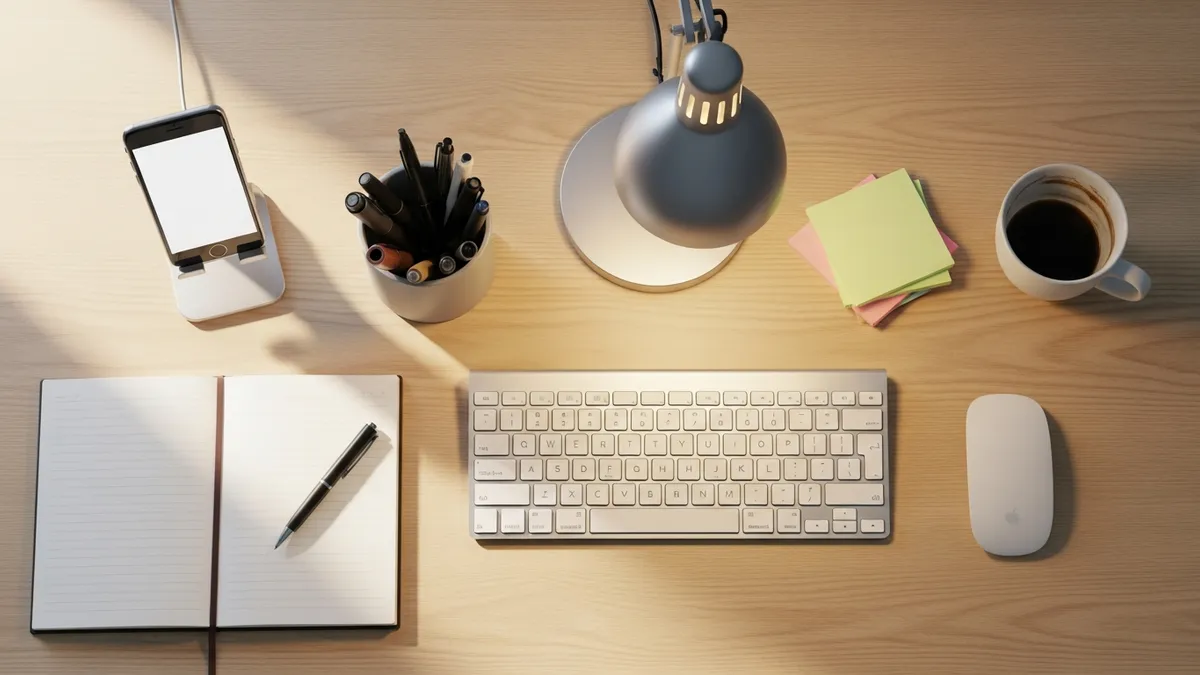
Floating Wall Desks
A floating desk mounted directly to the wall takes up zero floor space and can be installed at the exact height that works for your body. Pair it with a wall-mounted shelf above it for storage and you have a complete functional workspace in a footprint of less than 6 square feet.
Closet Office Conversions
The "cloffice" (closet office) is one of the most clever small-space solutions of recent years. Clear out a small closet, install a simple desktop across the width, add shelving above, run your power strip and cable management, and you have a completely contained workspace that you can close the doors on at the end of the day. This is a huge win for work-life balance.
Bedroom Corner Setups
A small desk in a bedroom corner can work beautifully if you're intentional about it. Use a room divider, a bookshelf, or even a curtain on a ceiling-mounted rod to create a visual separation between your sleep space and your work zone. Keeping work equipment out of the direct sightline of your bed can make the room feel more restful when the workday ends.
Multi-Purpose Furniture
A dining table or kitchen island works as an occasional desk, but if you're working from it every day, you'll want something more purpose-built. Murphy bed desks, console tables that double as desks, and fold-out secretary desks are all practical solutions for studio apartments and small homes where dedicated office space simply isn't available.
For more space-saving strategies, browse the home organization ideas for small spaces collection on the Sesoris blog.
Must-Have Accessories for a Complete Work From Home Desk Setup
Once your desk, chair, and lighting are sorted, these accessories will take your setup from functional to exceptional.
- Monitor stand or riser: Elevates your screen to eye level and creates storage space underneath
- Laptop stand: If you use a laptop as your primary computer, a stand paired with an external keyboard and mouse is a game-changer for posture
- Desk pad or mouse pad: Protects your desk surface, looks great, and gives your mouse a reliable surface to track on
- Headset or webcam: Essential for video calls. A good headset reduces background noise and a quality webcam makes you look professional on calls
- USB hub: Consolidates all your device connections into one spot so you're not constantly unplugging and replugging
- Desk fan or personal heater: Temperature comfort directly affects focus. A small fan or heater keeps you at your personal ideal temperature
- Drawer organizer inserts: Keeps the inside of your desk drawers as tidy as the outside surface
- Phone stand: Keeps your phone visible without occupying a ton of desk real estate
Explore the new arrivals at Sesoris for the latest home organization and workspace accessories added to the collection in 2026.
Related Products from Sesoris
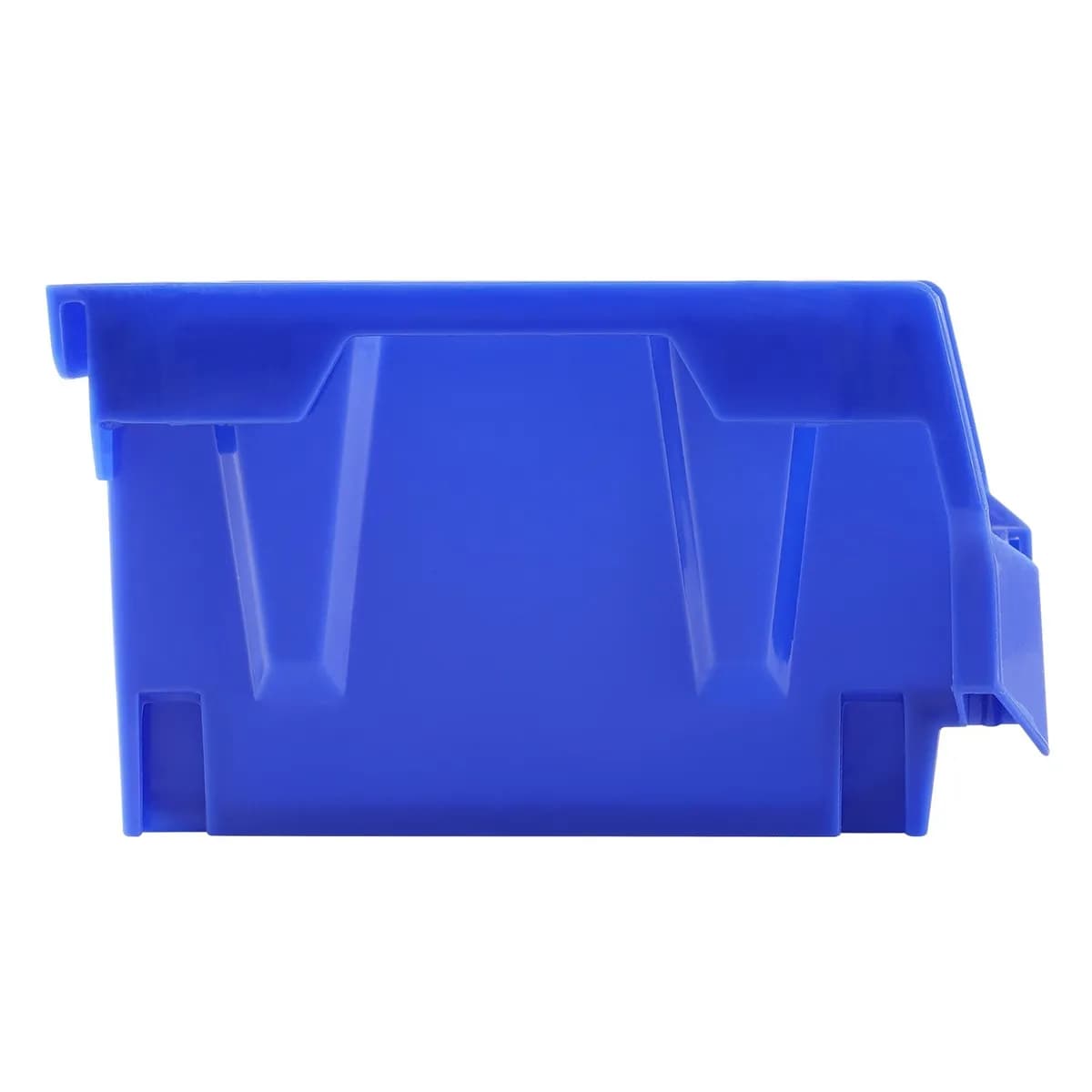
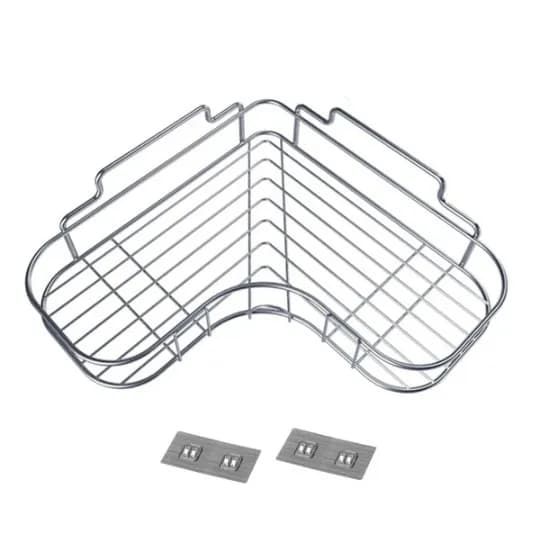
If you want to turn this guide into a real setup, start with Slide-Out Cabinet Drawer, Black Steel and Stackable Storage Bins, 24 Pack. For broader options, browse the Home & Decor collection so the article journey does not stop at reading only.
Our practical rule: choose one product that solves the main clutter problem first, then add supporting organizers only when the daily workflow is already clear. This keeps the shopping path useful, not pushy.
FAQ: Frequently Asked Questions About Work From Home Desk Setup Ideas
What is the most important element of a work from home desk setup?
The most important element depends on your specific pain points, but ergonomics is the foundation everything else builds on. If your monitor is at the wrong height or your chair doesn't support your lower back, no amount of beautiful accessories will make your setup comfortable or productive. Start by getting your chair height, monitor position, and keyboard placement right before investing in anything else.
How do I set up a productive home office in a small space?
Focus on vertical storage, a wall-mounted or floating desk, and a clear system for keeping your surface clutter-free. Even a 2-foot-by-4-foot area can become a genuinely productive workspace if it's organized intentionally. A pegboard above the desk is one of the best small-space tools available since it puts all your tools and accessories on the wall instead of on the desk.
What should I put on my work from home desk?
Keep only what you use daily on the surface of your desk. This typically means your monitor or laptop, keyboard, mouse, a pen holder, a notepad, and maybe a small plant or lamp. Everything else, including chargers, extra supplies, and reference materials, should have a designated drawer, shelf, or organizer so your surface stays clear.
How much should I spend on a home office desk setup?
This varies widely depending on your needs and budget. You can build a very functional setup for under US$300 if you're strategic about it, prioritizing an ergonomic chair and a proper monitor height solution. A premium setup with a motorized standing desk, quality monitor, and full ergonomic accessories can run US$1,500 or more. Start with the essentials and add upgrades over time.
How do I manage cables in my home office setup?
The easiest starting point is adhesive cable clips along the back of your desk to route cables neatly to a power strip, combined with Velcro ties to bundle cables together. For a cleaner look, invest in a cable management tray that mounts under the desk to hide your power strip and cable bundle entirely. Switching to wireless peripherals wherever possible is the most effective long-term cable reduction strategy.
Do I need a separate room for a home office?
Not at all. Millions of Americans work productively from bedroom corners, living room nooks, and closet conversions. What matters more than having a dedicated room is having a consistent, designated spot that's set up intentionally for work. The key is creating a visual and psychological separation between your work zone and your relaxation zones.
Conclusion
Building a great work from home desk setup isn't about having the most expensive gear or a Pinterest-perfect room. It's about being intentional with the space you have, choosing tools that support your body and your workflow, and creating an environment where focus comes naturally. From picking the right desk size and getting your ergonomics dialed in, to managing cables, organizing your surface, and adding personal touches that make you want to show up, these work from home desk setup ideas for 2026 give you a complete roadmap to a more productive, comfortable remote work life. Ready to start organizing? Browse the Sesoris shop for desk organizers, storage solutions, and home office essentials that help you live more organized, one workspace at a time.
Liked this guide?
Get new organizing guides and the occasional new product by email. No spam, unsubscribe anytime.
Related articles

Explore more articles
- Laundry Room Organization Containers: Complete Tutorial Guide to Transform Your Space in 2026
- 25+ Best DIY Garage Storage Solutions to Transform Your Space in 2026
- 30+ Best Closet Organization Ideas for Nursery: Create the Perfect Baby Storage Space in 2026
- 20+ Best Organization Ideas for Bedroom Closet to Transform Your Wardrobe in 2026
- Bathroom Storage Ideas to Keep a Small Bathroom Tidy
- Home Organization Trends 2026: Invisible Storage to Smart Organizers
- Label Organizer: Smart Labeling System for a Super Organized Home
- Craft Room Storage Furniture: Buying Guide