
How to Organize Your Desk: Complete 2026 Guide to a Productive Workspace
Learn how to organize your desk with practical tips, smart storage ideas, and product picks for a clutter-free, productive workspace in 2026.
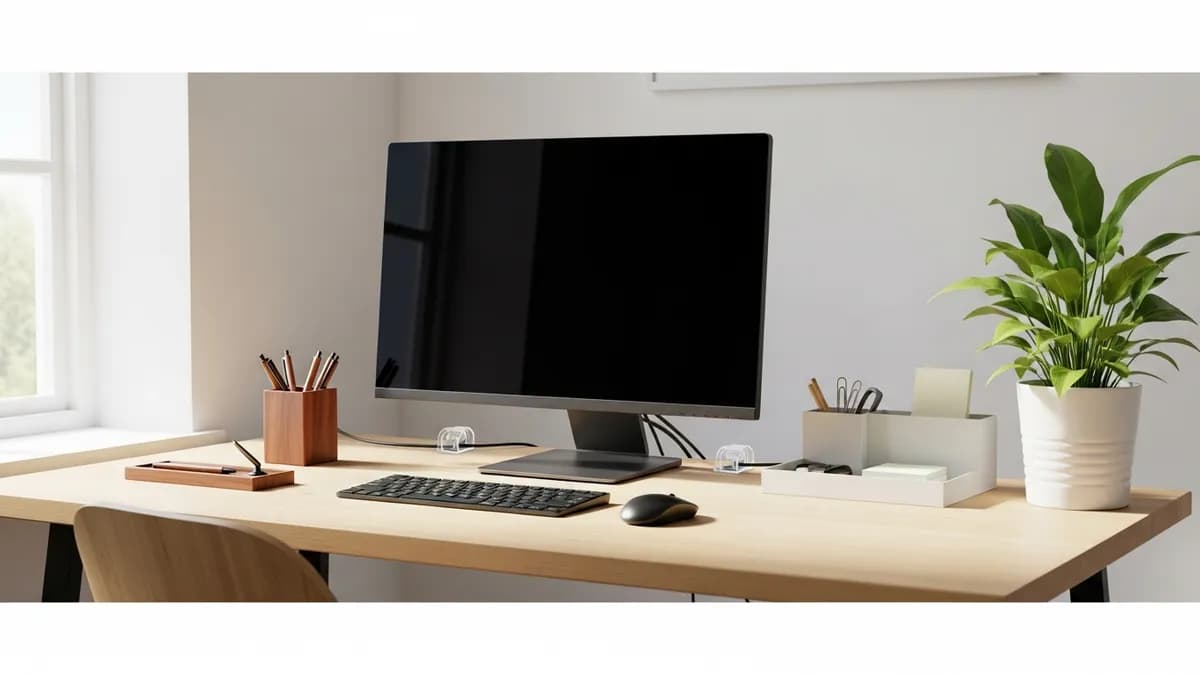
If you have ever sat down to work only to feel instantly overwhelmed by the chaos in front of you, you are not alone. Learning how to organize your desk is one of the single most impactful things you can do for your focus, productivity, and overall sense of calm at home or in the office. A cluttered desk creates mental noise, makes it harder to find what you need, and can even increase stress. The good news? You do not need a complete room makeover or an expensive redesign. With the right system, the right tools, and a little intention, you can transform your workspace into a place that actually energizes you. In this guide, I am walking you through every step to help you build a desk setup that works for your life in 2026.
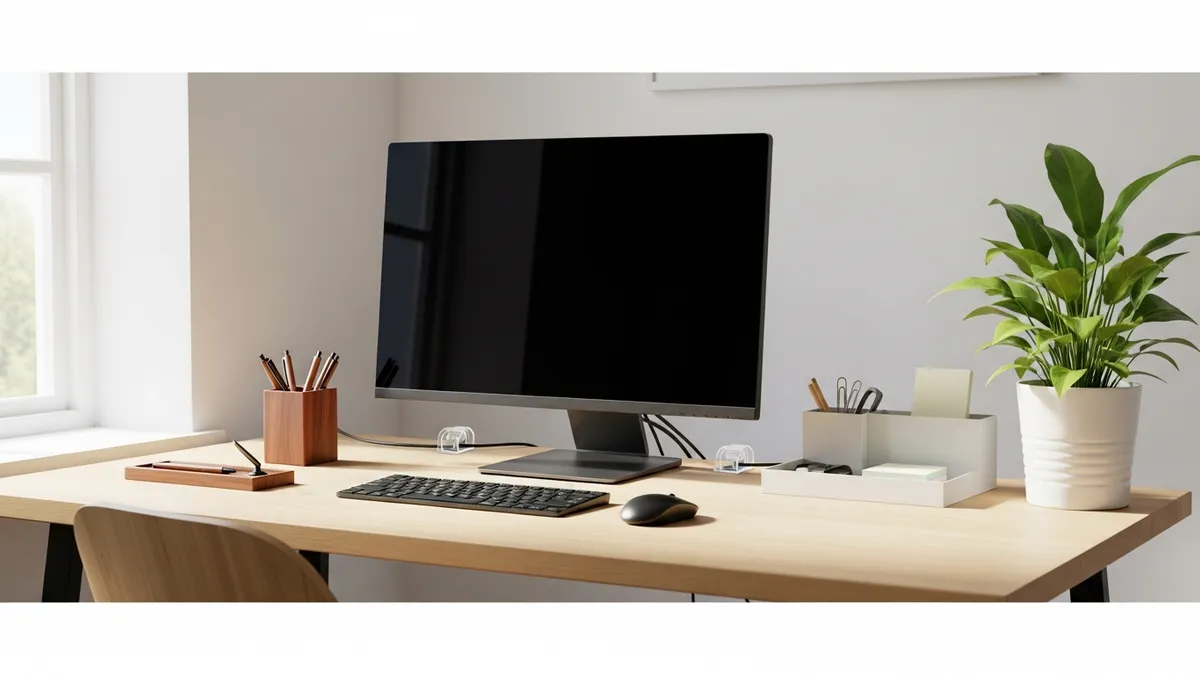
Why Knowing How to Organize Your Desk Actually Matters
Before diving into the how-to, it is worth understanding why desk organization is so important. According to The Spruce, a disorganized workspace can significantly slow down your workflow and make it harder to transition between tasks. When everything has a defined place, your brain spends less energy searching and more energy doing.
Beyond productivity, a tidy desk can also improve your mood. When your physical environment feels in order, it sends a signal to your brain that things are under control. That psychological benefit alone makes the effort worthwhile.
Here are a few real-world reasons to get serious about desk organization in 2026:
- You waste less time looking for pens, chargers, sticky notes, and documents
- You feel more motivated to sit down and start working
- You reduce the risk of losing important papers or missing deadlines
- Your desk becomes a space you are actually proud of
- You set a professional tone, whether for remote work or in-person meetings
If you are also thinking about organizing the rest of your home workspace, check out our guide on home and office organization for a full-picture approach.
Step 1: Declutter Your Desk Before You Organize It
The most important rule of desk organization is this: you cannot organize clutter. Before you buy a single bin or shelf, you need to clear everything off your desk completely. Yes, everything.
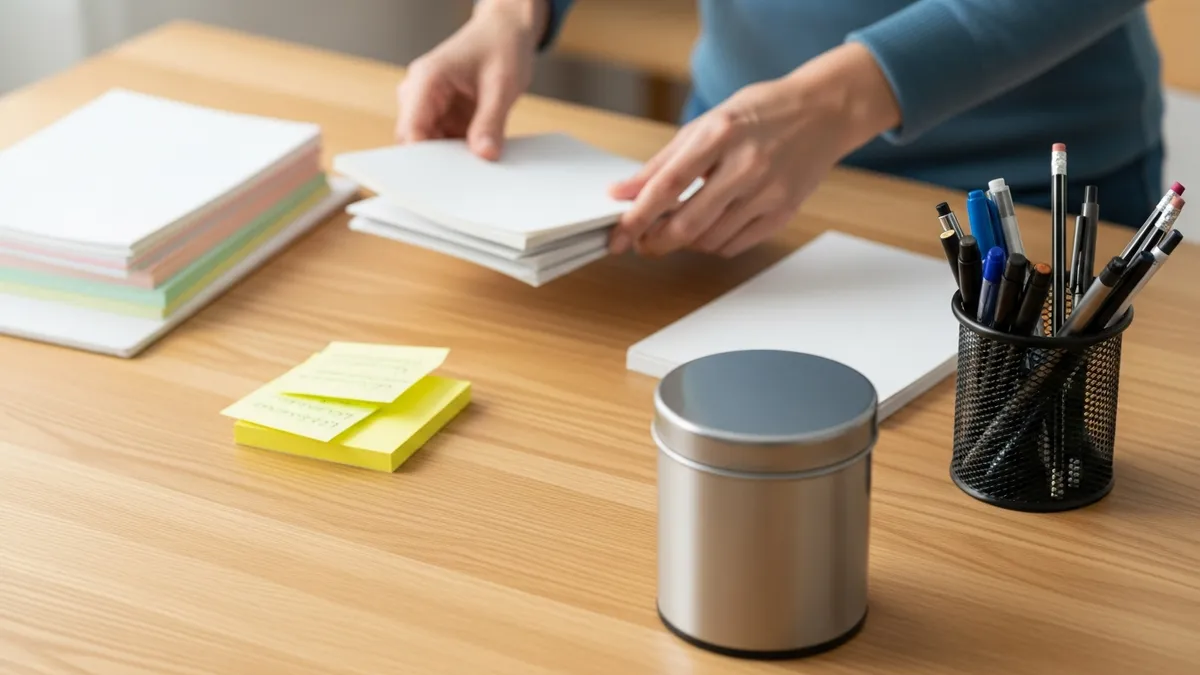
Here is a simple process I recommend:
- Remove every single item from your desk surface and desk drawers
- Wipe down the surface so you are starting fresh
- Sort everything into four categories: Keep, Relocate, Donate, and Trash
- Only return items to your desk that you use daily or weekly
- Put everything else away in storage, a filing cabinet, or another room
The goal is to keep your desk surface as minimal as possible. Think about what you actually reach for every single day versus what just sits there collecting dust. Most people are surprised to find that a large percentage of what is on their desk does not need to be there at all.
"The secret to desk organization is not finding more storage. It is having less stuff that needs to be stored."
Items that are good candidates to remove from your desk entirely include old mail, expired coupons, random cables with no device, duplicate office supplies, decorations you no longer love, and any item you have not touched in more than a month.
Step 2: Define Your Desk Zones for Maximum Efficiency
Once your desk is clear, the next step in how to organize your desk is to divide your surface into intentional zones. This is a technique used by professional organizers and productivity coaches, and it makes a massive difference in how smoothly your workday flows.
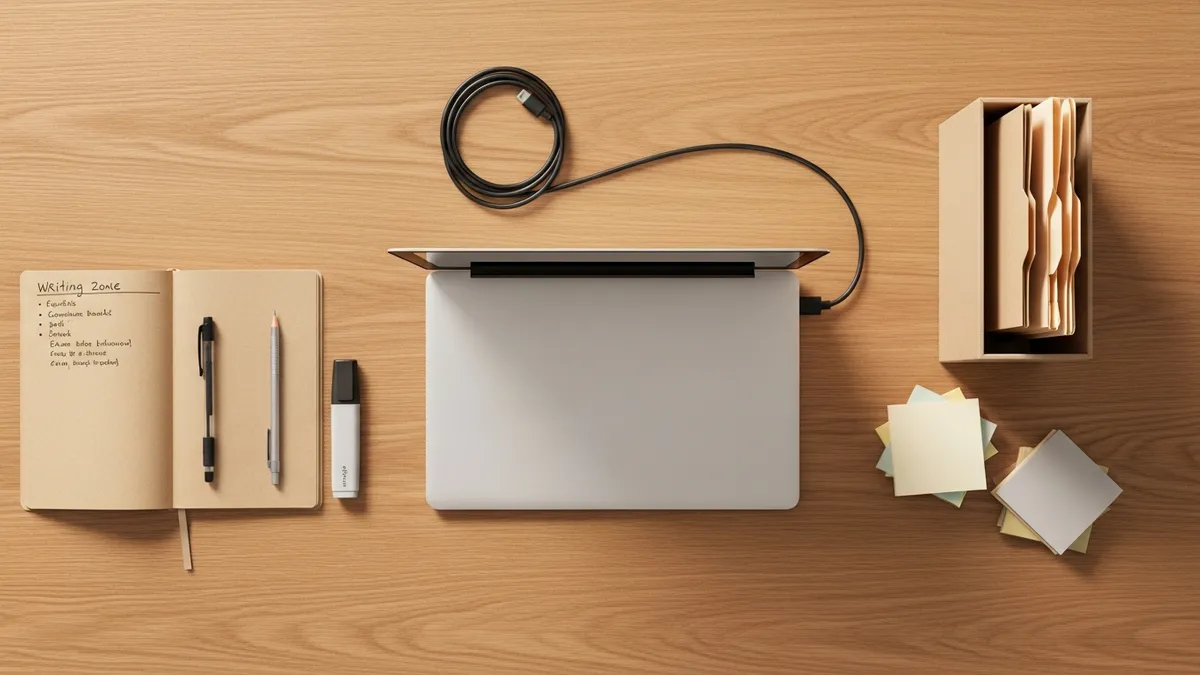
Think of your desk like a kitchen counter. Just as you would keep cooking tools near the stove and cleaning supplies near the sink, your desk zones should group items by function. Here are the core zones to consider:
The Primary Work Zone
This is the area directly in front of you, roughly arm's width in size. This zone should hold only what you are actively working on at any given moment: your laptop or monitor, a notebook, and perhaps a glass of water. Nothing else should live here permanently.
The Secondary Reference Zone
This is the area to your dominant hand side, typically the right if you are right-handed. This is where you keep items you reach for frequently but not constantly: a pen cup, a small notepad, your phone, and perhaps a small file holder for current projects.
The Tech and Charging Zone
Designate one corner or edge of your desk as your tech area. This is where your charging hub, cables, headphones, or external hard drive live. Keeping all tech in one zone makes cable management much easier, which we will cover shortly.
The Inspiration or Personal Zone
Leave a small amount of space for something that brings you joy: a small plant, a framed photo, or a piece of art. This zone should be intentional and minimal. One or two items max.
For more ideas on structuring a home workspace, our home office organizer guide has some great additional layout strategies.
Step 3: Choose the Right Desk Organizer Storage Solutions
Now that you have your zones defined, it is time to set up the physical storage solutions that will keep everything in place. This is where the fun begins. The right organizers can make your desk look polished and intentional while genuinely making your day easier.
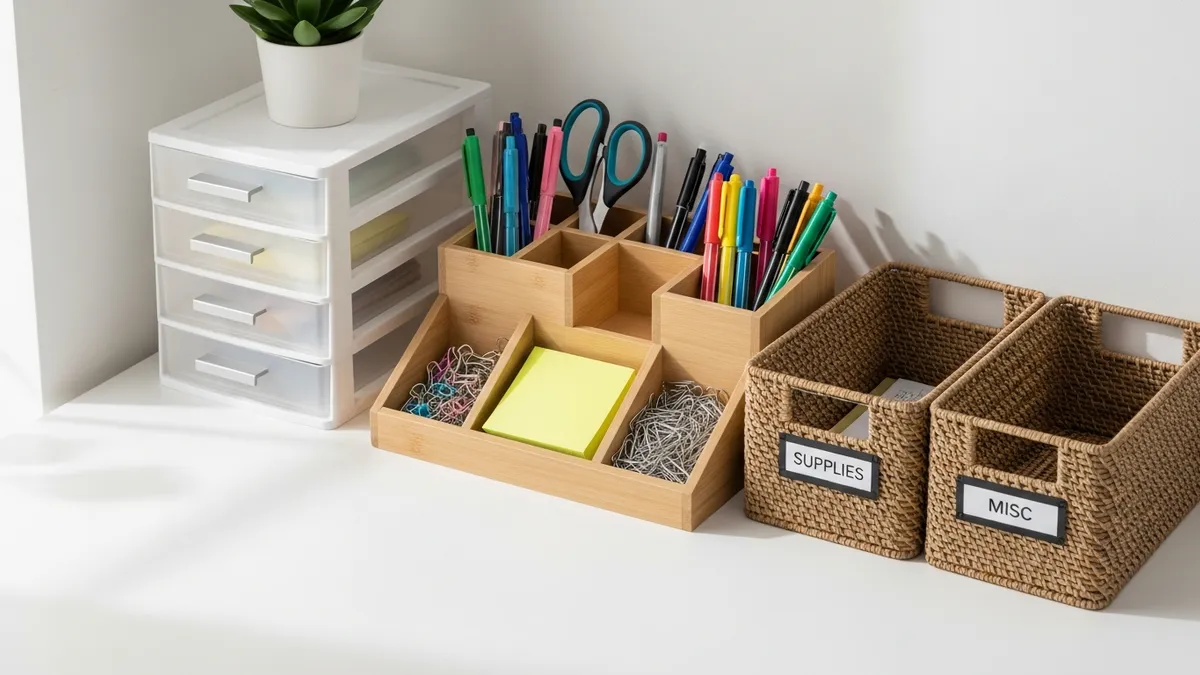
Here are the key storage tools to consider when organizing your desk:
Desktop Organizer Trays and Caddies
A multi-compartment desktop organizer is the workhorse of any well-organized desk. Look for one that has compartments of different sizes so you can store pens, scissors, sticky notes, paper clips, and small tools without everything getting jumbled together. You can find excellent options in our All Products section.
Small Drawer Units
If your desk does not have built-in drawers, a compact desktop drawer unit is a game changer. It gives you concealed storage for items you need nearby but do not want on your surface, such as extra batteries, a stapler, or small notebooks.
File and Document Holders
Stacking paper on your desk is one of the fastest ways to create clutter. A vertical file holder or a small accordion file keeps your current documents organized and upright without taking up much real estate.
Cable Management Boxes
More on cables in the next section, but a cable management box or cable organizer tray is an essential piece of hardware for any modern desk setup.
Pen Cups and Small Containers
A simple pen cup sounds basic, but having a dedicated spot for writing tools means you will never dig through a drawer for a pen again. Opt for a weighted base so it does not tip over.
Labeling
Labels might seem overly formal for a home desk, but they are one of the most underrated organization tools. When every compartment and drawer has a label, it becomes second nature to put things back in the right place. Our label organizer guide walks you through the best labeling systems for home use.
For inspiration on what a well-equipped desk can look like, Architectural Digest has some beautiful home office features worth browsing.
Step 4: Tackle Your Desk Cables Once and for All
Cable chaos is one of the most common desk organization problems, and it is also one of the easiest to solve once you commit to it. Tangled cords under and behind your desk create visual clutter, collect dust, and can even be a safety hazard.
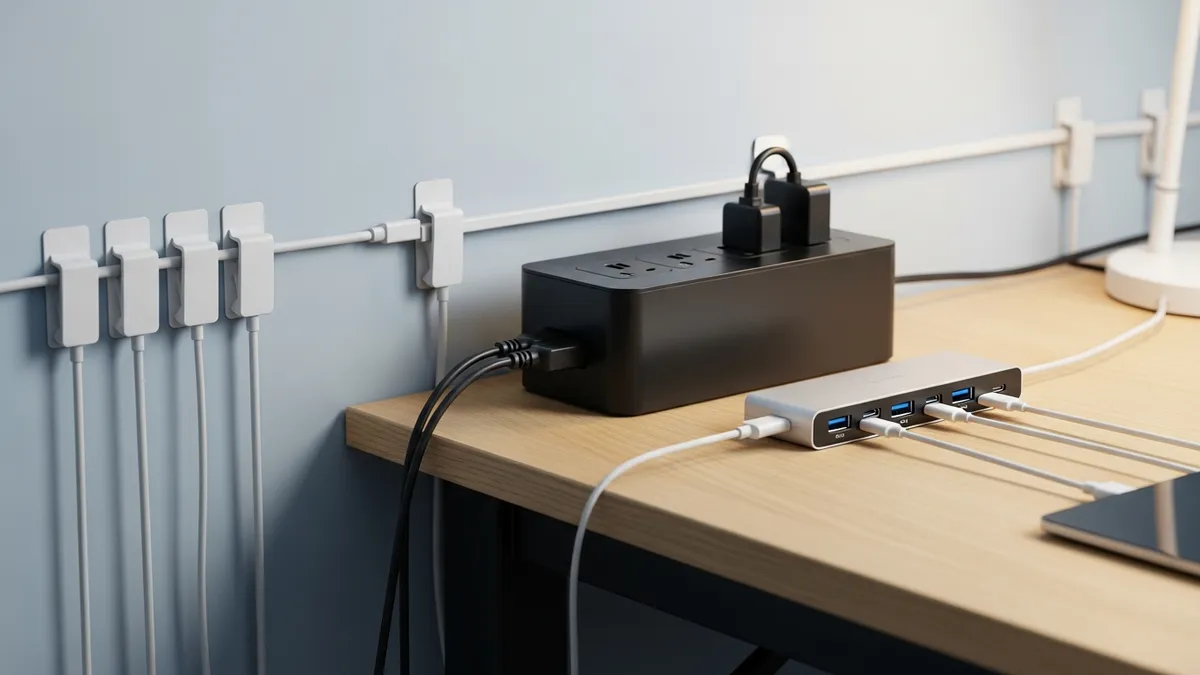
Here is a simple cable management approach that works for most home desks:
- Identify every cable on your desk and trace each one to its device. Disconnect any cables that belong to devices you no longer use
- Use cable clips or adhesive cord holders to route cables along the edge or underside of your desk. These keep cords flat against a surface so they do not droop or tangle
- Bundle cables that travel together using velcro cable ties or reusable zip ties. Avoid using single-use plastic zip ties since they are hard to remove without cutting
- Use a cable management box near your power strip to hide the power brick and excess cord length. This single item dramatically cleans up the look of most desks
- Label your cables at both ends with small tags or colored tape so you can identify them at a glance without unplugging everything
If you want to go deeper on this topic, our cable management guide covers both desk and whole-home solutions in detail.
Step 5: Organize Your Desk Drawers Like a Pro
Desk drawers are often where good intentions go to die. Things get tossed in, and before long the drawer is a chaotic junk zone that defeats the purpose of having storage. Here is how to bring order to your drawers:
Use Drawer Dividers
Drawer dividers, whether adjustable or modular, are essential. They create defined compartments inside a drawer so items stay separated and easy to find. Assign one compartment per category: pens, scissors, tape, sticky notes, chargers, and so on.
Apply the Frequency Rule
Items you use every day go in the top drawer at the front. Items you use occasionally go in middle drawers. Items you rarely need but want to keep nearby go in the bottom or back of a drawer. This simple hierarchy means you are never digging past things you never touch to find what you need constantly.
Do a Monthly Drawer Audit
Set a recurring reminder once a month to take five minutes and clear out your desk drawers. Toss dried-out pens, relocate items that have migrated to the wrong spot, and remove anything that no longer belongs. This habit prevents the slow creep of clutter that undoes all your hard work.
For broader home organization strategies that complement your desk setup, Real Simple offers a great library of room-by-room organization content.
Step 6: Build a Daily Desk Reset Habit
Here is the honest truth about desk organization: it is not a one-time event. It is a daily practice. Even the most beautifully organized desk will descend into chaos within a week if you do not maintain it. The good news is that maintaining an organized desk takes very little time if you build the right habit.
I recommend a two-minute end-of-day desk reset. Before you close your laptop and walk away, spend two minutes doing the following:
- Clear your primary work zone of everything that was brought out during the day
- Return all pens, tools, and accessories to their designated spots
- File or relocate any papers that landed on your desk
- Coil any cables that were used and tuck them back in their zone
- Give your desk surface a quick wipe with a microfiber cloth
That is it. Two minutes, done every day, and your desk will always be ready for a fresh start the next morning. Pair this with a weekly five-minute deeper tidy and a monthly drawer audit, and you have a maintenance system that practically runs itself.
Smart Product Picks to Help You Organize Your Desk
The right products make desk organization significantly easier and more sustainable. Here are the categories of products worth investing in, all available to browse at Sesoris:
- Multi-compartment desktop organizers for keeping everyday supplies sorted and accessible
- Cable management clips and boxes for taming cord chaos on and under your desk
- Drawer divider sets for creating organized compartments inside existing desk drawers
- Vertical file holders for keeping current paperwork upright and visible
- Label makers or label sets for marking compartments, drawers, and bins
- Small pen cups and accessory trays for keeping frequently used items at arm's reach
- Under-desk hooks or rails for hanging headphones, bags, or accessories off the surface
You can explore our Best Sellers collection for the top-rated workspace organization products, or browse New Arrivals for the latest desk and office organizers added to the shop.
Related Products from Sesoris
If you want to turn this guide into a real setup, start with Slide-Out Cabinet Drawer, Black Steel and Stackable Storage Bins, 24 Pack. For broader options, browse the Home & Decor collection so the article journey does not stop at reading only.
Our practical rule: choose one product that solves the main clutter problem first, then add supporting organizers only when the daily workflow is already clear. This keeps the shopping path useful, not pushy.
FAQ: Frequently Asked Questions About How to Organize Your Desk
How often should I reorganize my desk?
A full desk reorganization is worth doing once or twice a year, typically at the start of a new season or quarter. However, the daily two-minute reset habit and a monthly drawer audit will prevent clutter from building up enough to require a full overhaul very often.
What should I keep on my desk versus in a drawer?
Keep only the items you reach for every single day on your desk surface. Everything else should live in a drawer, a shelf, or off the desk entirely. As a general rule, if you have not touched something in a week, it does not belong on your surface.
How do I organize a small desk with limited space?
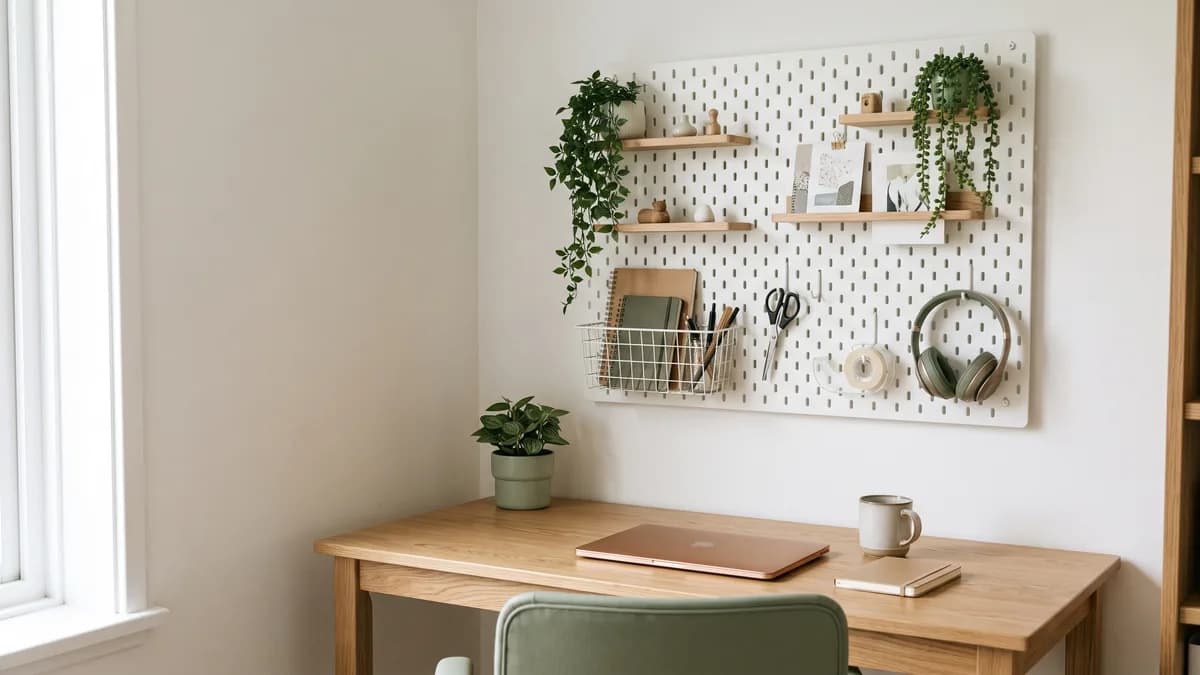
Vertical storage is your best friend on a small desk. Use wall-mounted shelves above the desk, stackable organizer trays, or a monitor riser with built-in storage underneath. Every inch of vertical space above your desk is fair game.
What is the best way to manage paper clutter on a desk?
Use a simple inbox-outbox tray system. Incoming papers go in the inbox and get processed daily. Once processed, papers either get filed in a dedicated filing system, scanned digitally, or recycled. Never let paper pile up on your surface for more than 24 hours.
Do I need to spend a lot of money to organize my desk?
Not at all. Many of the most effective desk organization tools, such as drawer dividers, pen cups, and cable clips, are very affordable. Focus on the systems first, and then invest in products that fit your budget and aesthetic. Our All Products page includes options across a range of price points.
Conclusion: A Tidy Desk Is a Productive Desk
Knowing how to organize your desk is genuinely one of the most practical skills you can develop as a homeowner, remote worker, or student in 2026. It does not require a massive budget or a complete office renovation. It starts with decluttering, moves through intentional zoning and smart storage, tackles the cable chaos, and locks in with a simple daily habit.
The result is a workspace that feels calm, looks great, and actually helps you do your best work every single day. Whether you are starting from scratch or fine-tuning a setup that is mostly there, every improvement you make to your desk organization pays dividends in focus, mood, and efficiency.
Ready to build the desk setup of your dreams? Browse the full range of workspace organization tools and desk accessories at Sesoris, where you will find everything you need to live more organized.

Liked this guide?
Get new organizing guides and the occasional new product by email. No spam, unsubscribe anytime.
Related articles
Explore more articles
- How to Set Up a Desk Organizer Rack: Step-by-Step Tutorial for a Productive Workspace in 2026
- Pantry Storage Rack: How to Choose the Best in 2026
- Wall Mounted Dish Rack: Complete Buying & Install Guide 2026
- Minimalist Kitchen Decor Ideas: 25+ Modern Looks 2026
- Best Storage Solutions for the Bedroom: 30+ Smart Ideas to Organize Your Space in 2026
- Home Organization Trends 2026: Invisible Storage to Smart Organizers
- Garage Wall Shelf Ideas for Better Storage
- Zero Waste Kitchen: A Practical Guide